🍳 Now on the App Store & Google Play • or sign up on the web

Save every recipe.
Cook every one.

CookNooks pulls recipes from Instagram, TikTok, YouTube and any blog into one clean cookbook — then plans your week, builds the grocery list, and walks you through every step while you cook.

Free to start • iPhone, iPad & Android • or sign up at cooknooks.com

CookNooks weekly meal planner calendar CookNooks recipe library with personalized recommendations A clean, organized recipe with ingredients in CookNooks
iPhone & iPad
Android

One app for the whole kitchen

From the recipe you saved at 2am to dinner on the table — CookNooks handles every step in between.

🔗

Save from anywhere

Paste a link from Instagram, TikTok, YouTube, or any food blog and CookNooks imports the full recipe — ingredients, steps, and photo — in seconds.

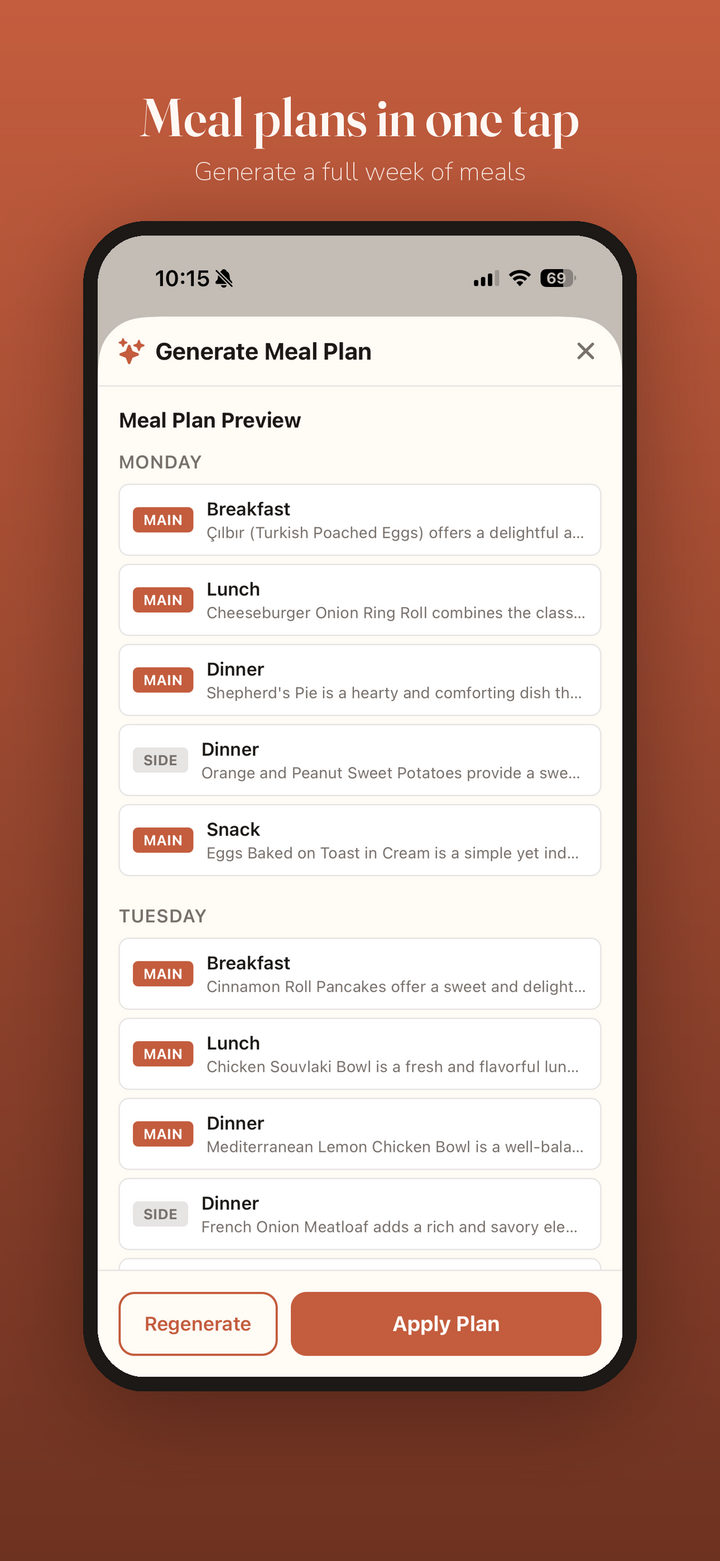
AI meal plans in one tap

Generate a full week of breakfasts, lunches, dinners, sides, and snacks instantly. Don’t love it? Regenerate until it’s right, then apply with a tap.

📅

Plan your whole week

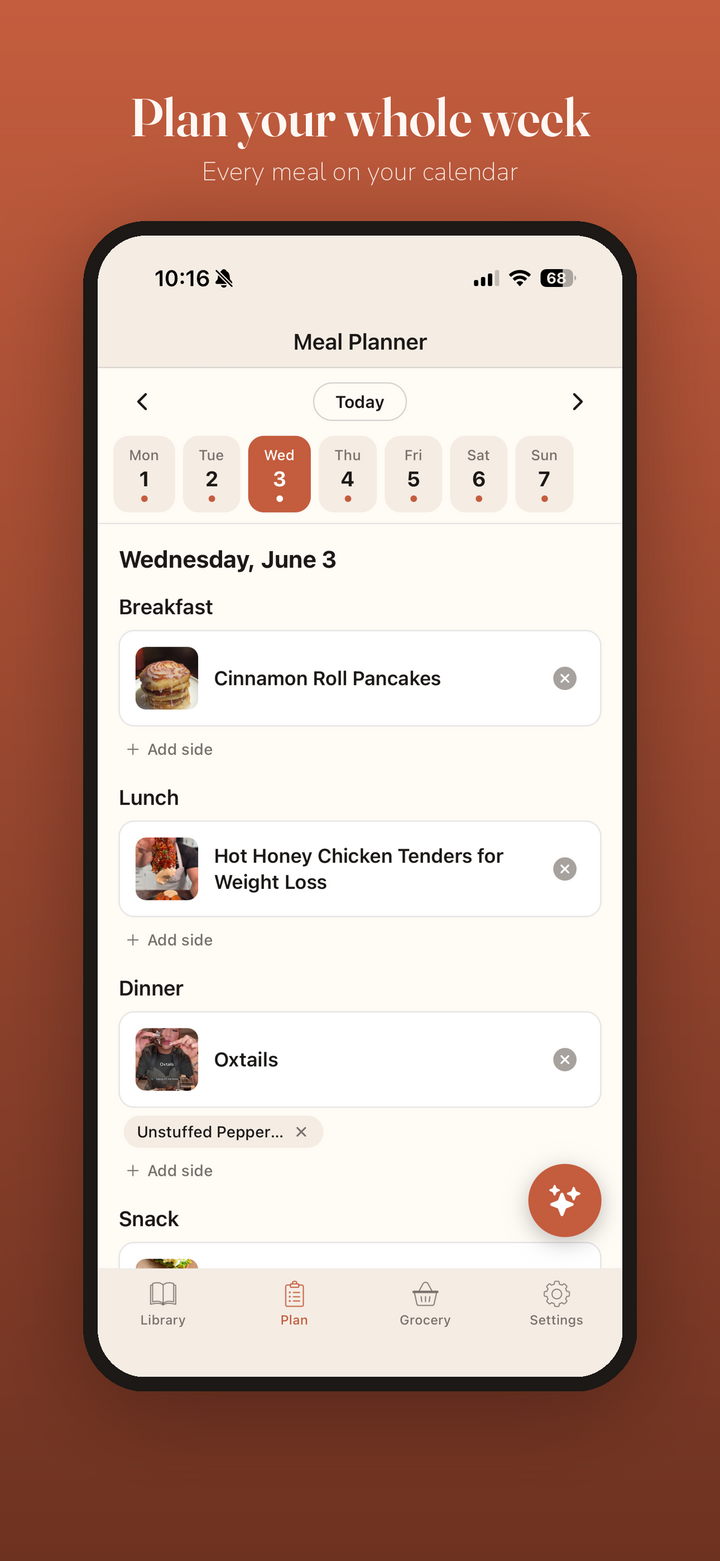
Drag meals onto a clean calendar, add sides, and see your entire week at a glance. Every meal, every day, in one place.

🛒

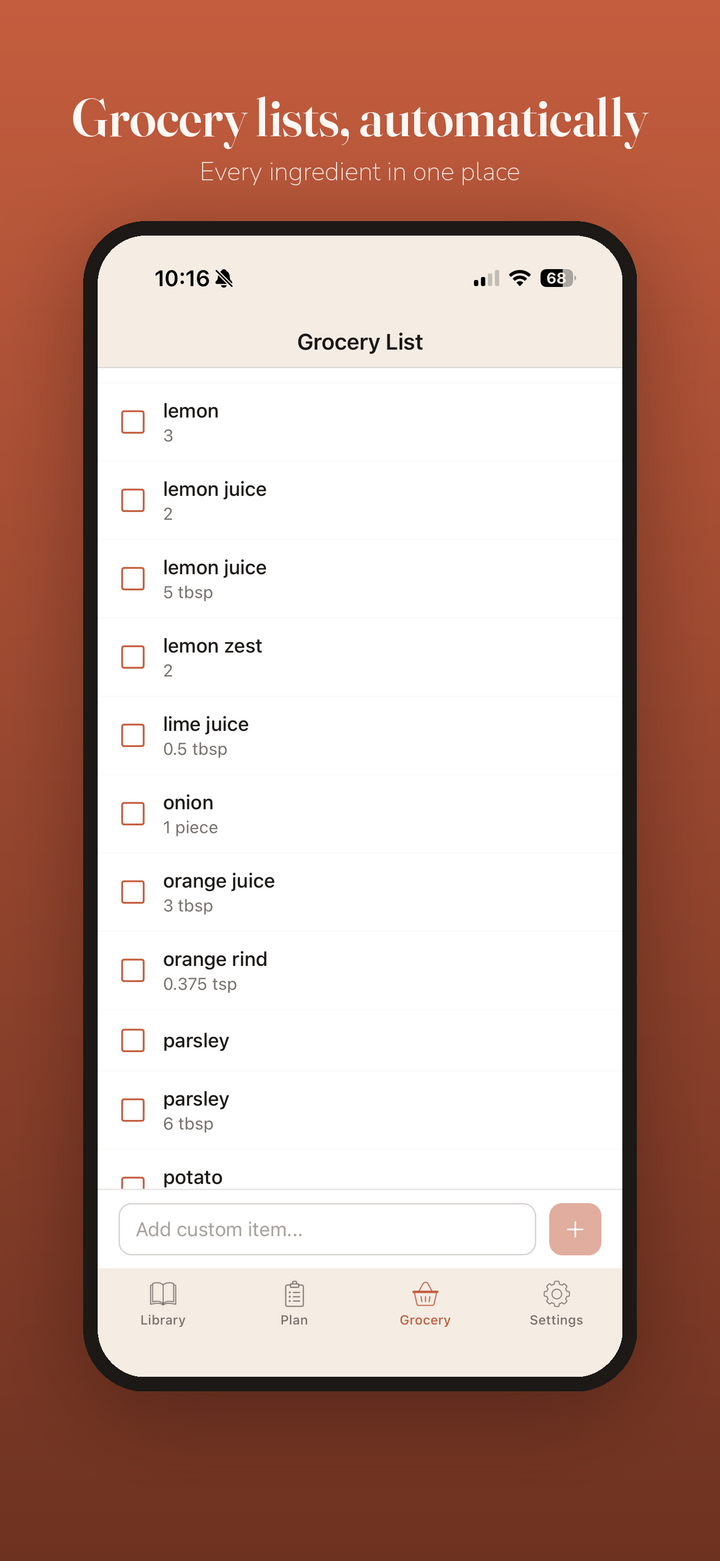
Automatic grocery lists

CookNooks rolls every ingredient from your planned meals into one organized shopping list — with quantities combined and custom items welcome.

📖

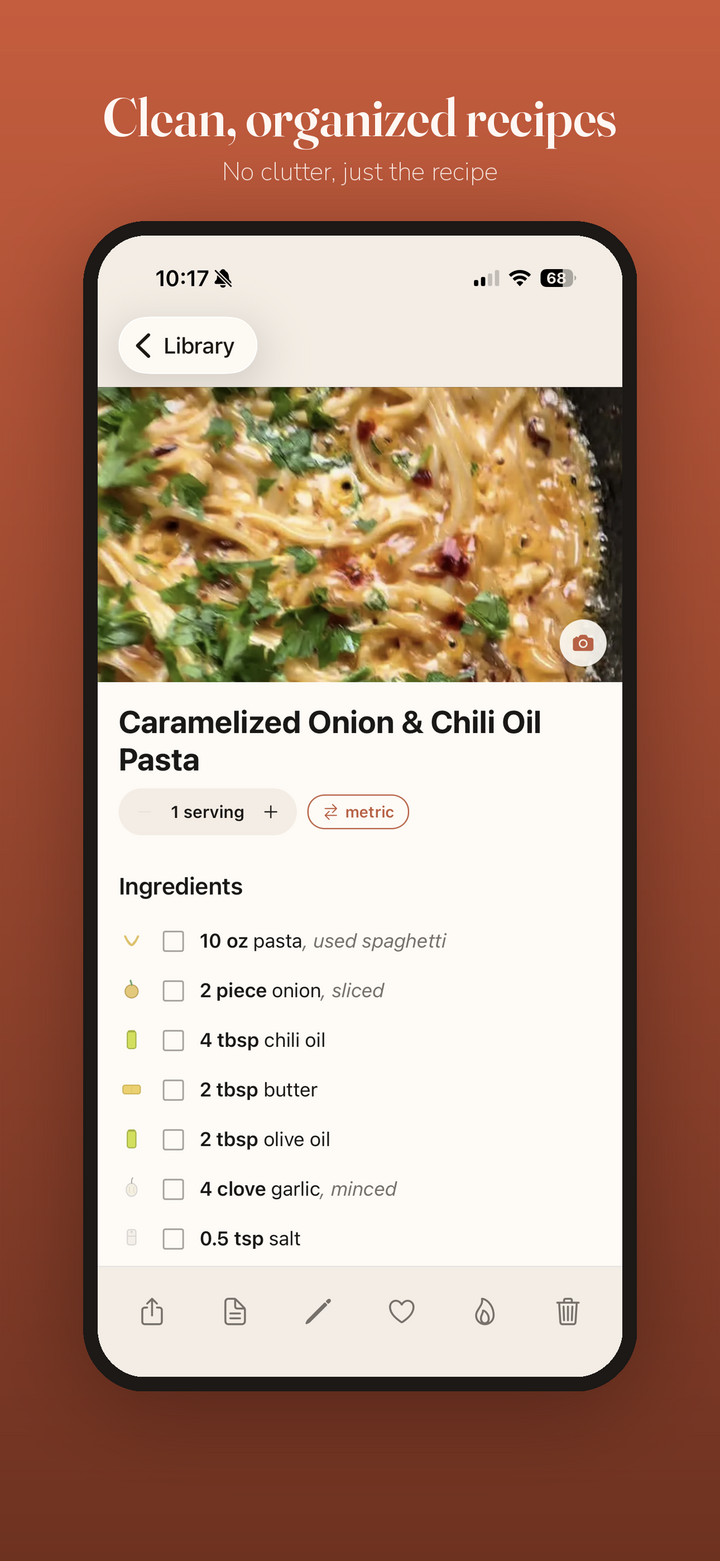
Clean, organized recipes

No life stories, no pop-ups. Just the recipe — with one-tap serving scaling and instant metric/imperial conversion.

🥑

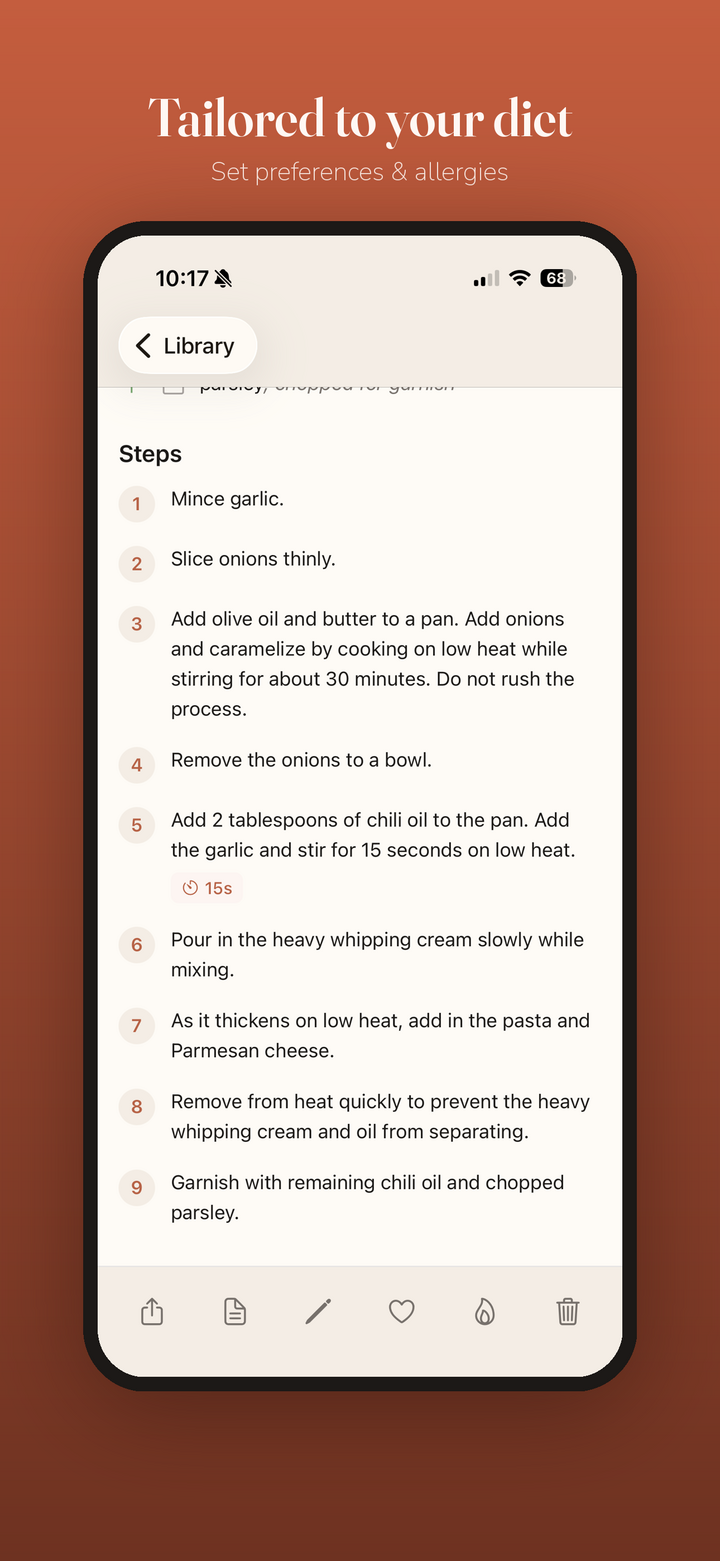
Tailored to your diet

Set dietary preferences and allergies once. Vegetarian, vegan, quick, high-protein — your recommendations and plans respect them.

👶

Guided cook mode

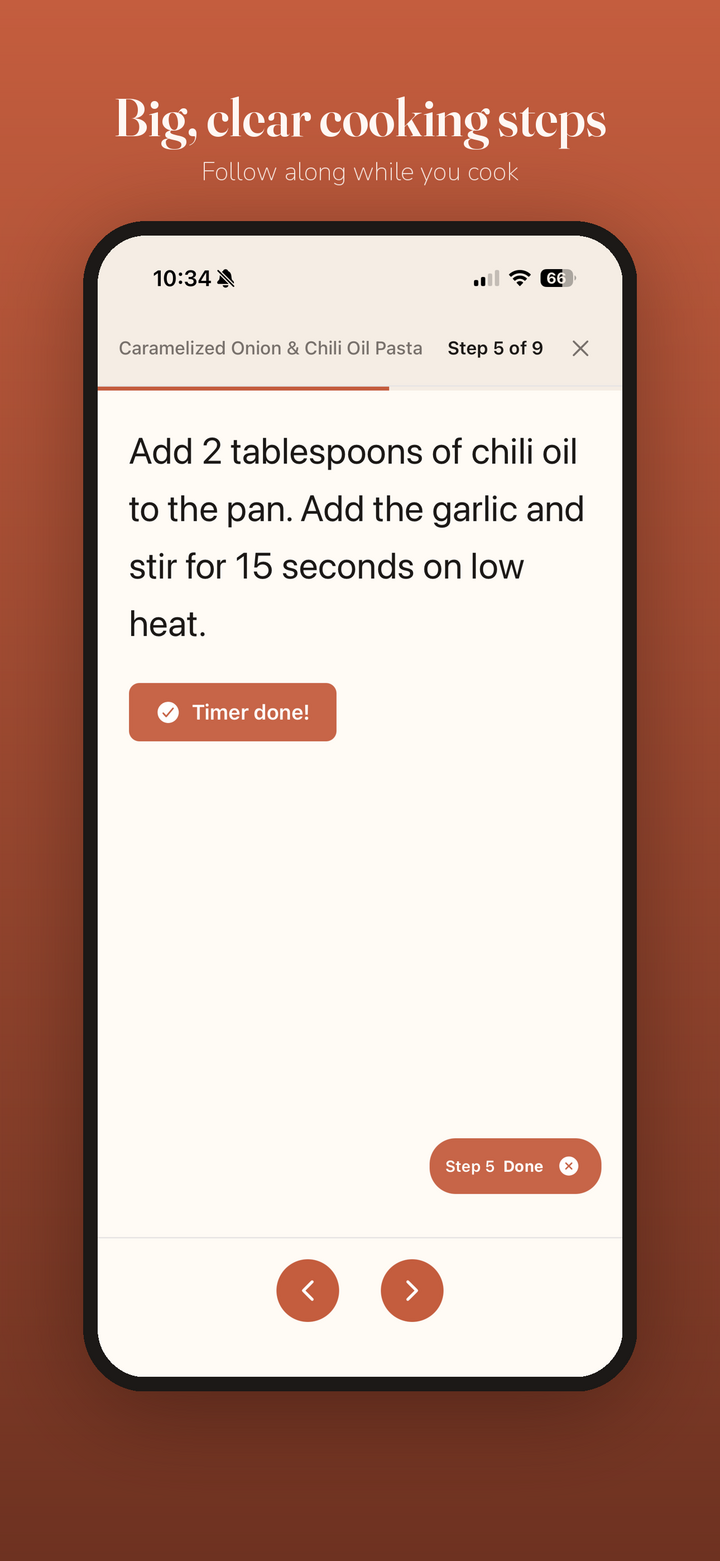
Hands-free, big, clear steps you can follow from across the kitchen. Swipe through one instruction at a time and mark each step done.

Built-in cooking timers

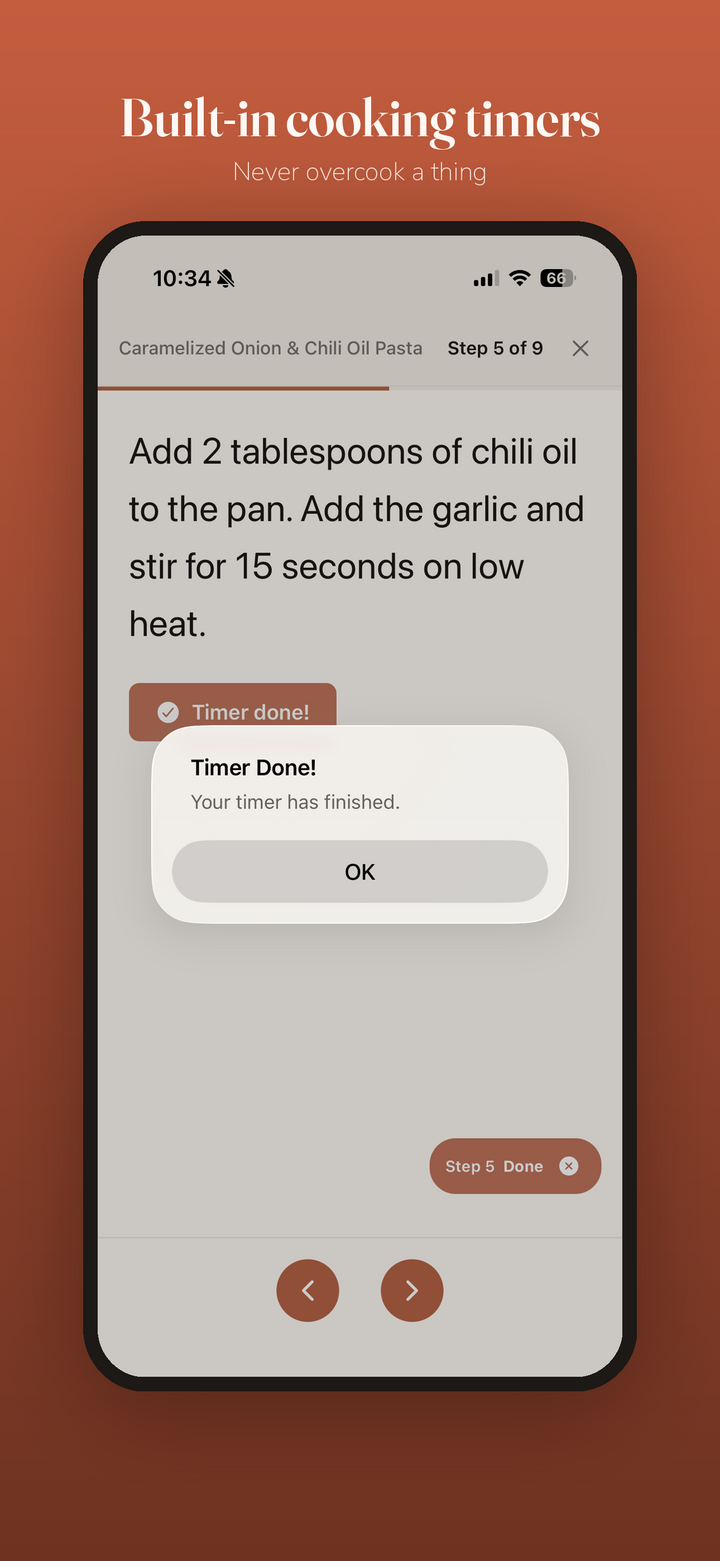
Steps with timing fire a timer right inside cook mode, so you never overcook a thing. Get an alert the moment it’s done.

📚

Organize into cookbooks

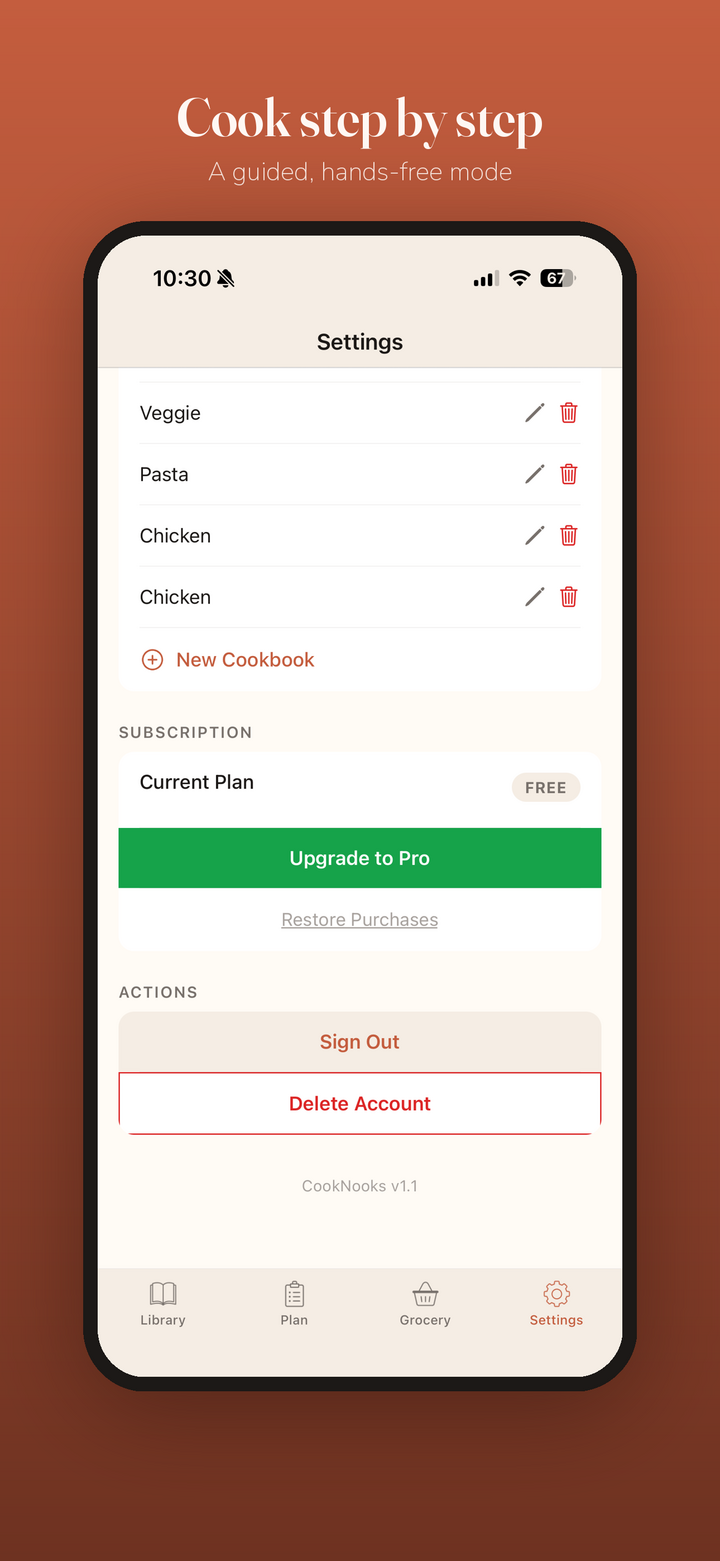
Group recipes into your own cookbooks — Veggie, Pasta, Chicken, whatever you like — and keep everything tidy as your collection grows.
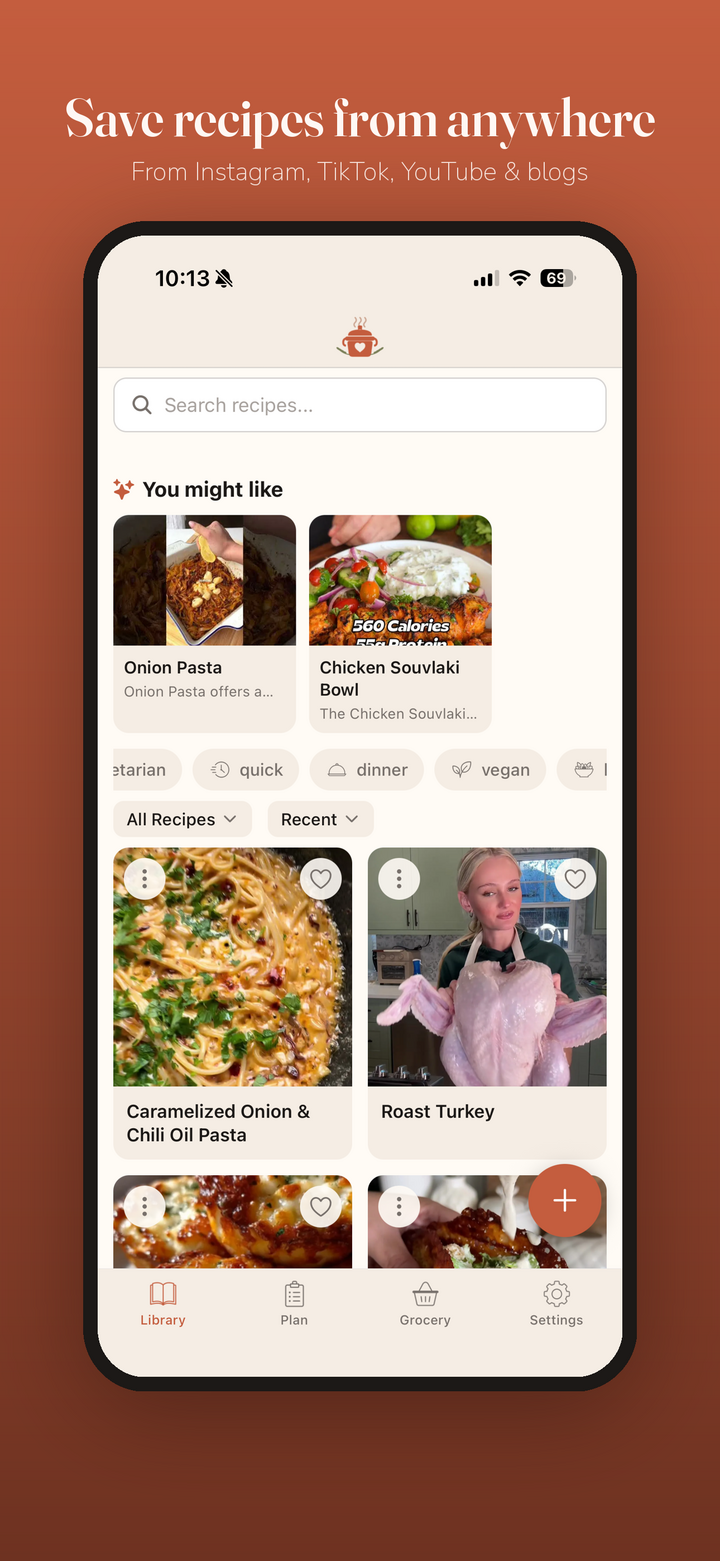
A peek inside CookNooks

Beautifully simple, designed to get you from craving to cooking.

Save recipes from anywhere — Instagram, TikTok, YouTube and blogs Generate a full week of meals in one tap Grocery lists built automatically from your meal plan Clean, organized recipe view with no clutter Recipes tailored to your diet and allergies Big, clear cooking steps to follow along Built-in cooking timers so you never overcook Organize recipes into your own cookbooks

From link to dinner in three steps

Save it

Found a recipe on Instagram, TikTok, YouTube, or a blog? Share the link to CookNooks and it lands in your library, perfectly formatted.

Plan it

Generate a week of meals with AI or drag your saved recipes onto the calendar. CookNooks turns it all into one grocery list.

Cook it

Open guided cook mode for big, clear steps and built-in timers — and get a great meal on the table without the chaos.

Start free. Go Pro when you’re hooked.

No ads, ever. Try CookNooks free, then unlock unlimited recipes and AI when you’re ready.

Free

$0/forever
No card required
Get Started Free
  • Up to 10 saved recipes
  • View & cook your recipes
  • Meal planner calendar
  • Automatic grocery lists
  • Import recipes from any URL
  • AI recommendations
  • AI meal planning

Free and Pro work on iPhone, iPad, Android, and the web — get it on the App Store, Google Play, or sign up at cooknooks.com. Your recipes and Pro sync across all of them.

Questions, answered

What is CookNooks?

CookNooks is a recipe keeper and meal planner for iPhone and iPad. It imports recipes from across the web into one clean library, plans your week with AI, builds grocery lists automatically, and guides you step by step (with timers) while you cook.

Where can I save recipes from?

Anywhere with a link — Instagram, TikTok, YouTube, and food blogs. Paste or share the URL and CookNooks pulls in the ingredients, steps, and photo automatically. Importing from any URL is a Pro feature.

How does the AI meal planning work?

Tap “Generate Meal Plan” and CookNooks builds a full week — breakfast, lunch, dinner, sides, and snacks — based on your saved recipes and dietary preferences. Don’t love a plan? Regenerate it, then apply it to your calendar with one tap.

Is it free?

Yes. The free plan lets you save up to 10 recipes, use the meal planner and grocery lists, and cook your recipes. CookNooks Pro unlocks unlimited recipes, importing from any URL, and all AI features — from $4.99/month, $39.99/year, or $79.99 lifetime.

Can I set dietary preferences and allergies?

Absolutely. Set your preferences and allergies once and CookNooks tailors recommendations and meal plans around them — vegetarian, vegan, quick, high-protein, and more.

Is CookNooks on Android?

Yes! CookNooks is now on Google Play for Android, alongside iPhone and iPad on the App Store. Prefer your browser? You can also sign up and use CookNooks on the web at cooknooks.com.

Can I cancel my Pro subscription?

Yes. Manage or cancel anytime in your App Store or Google Play subscription settings (or your account on the web). You’ll keep Pro access until the end of your current billing period. The lifetime option is a one-time purchase with no renewal.

Your recipes deserve a better home.

Download CookNooks free and turn the chaos of saved links into a week of great meals.

Download on the App Store Get it on Google Play Sign up on the web