StreamSG is a modern media player that connects to your IPTV/OTT service. Live TV, Movies, Series, EPG, Catch-up, Multi-View, Recording, and Parental Controls — all in one sleek app.
iOS is currently in Apple TestFlight beta — full App Store release pending App Review approval (expected shortly).
A native experience whether you're on your phone, tablet, or big screen

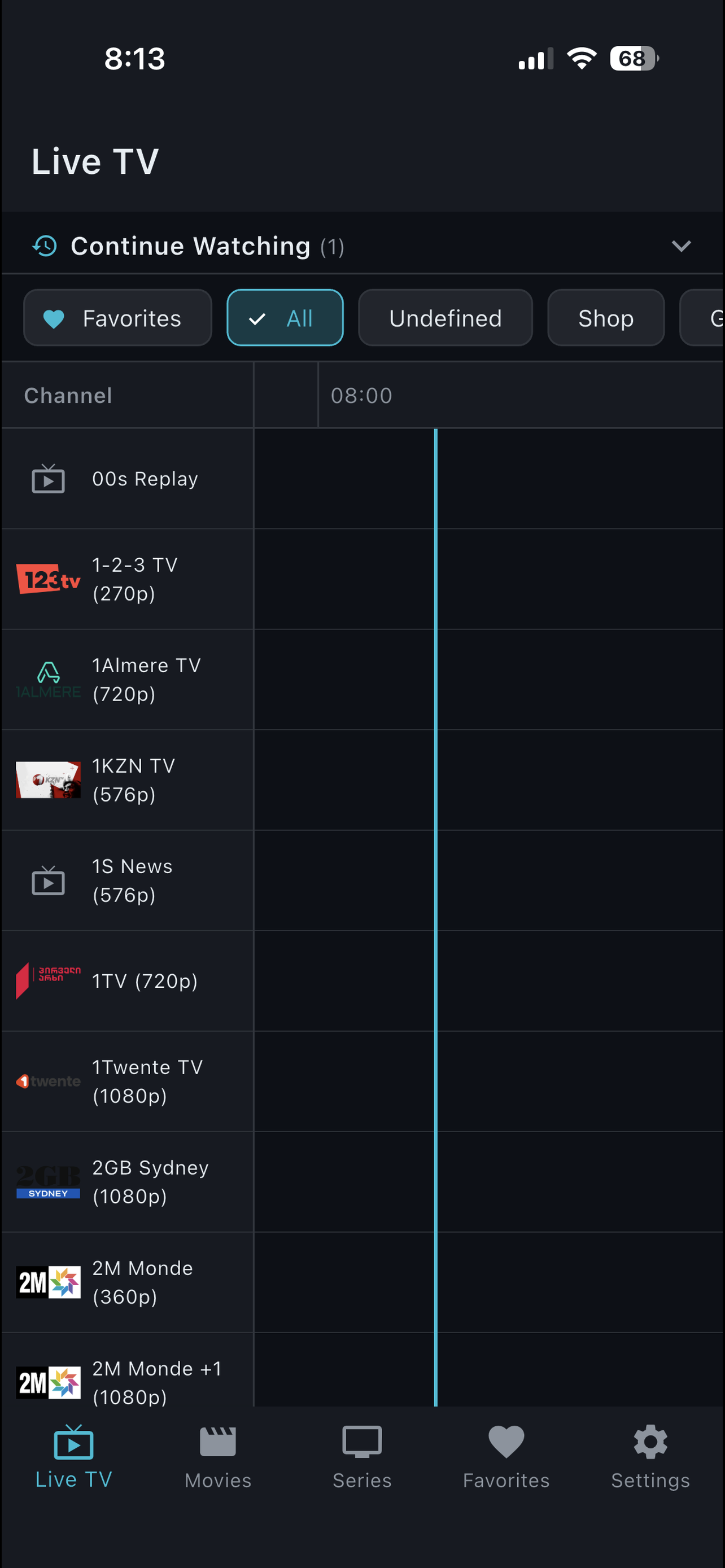
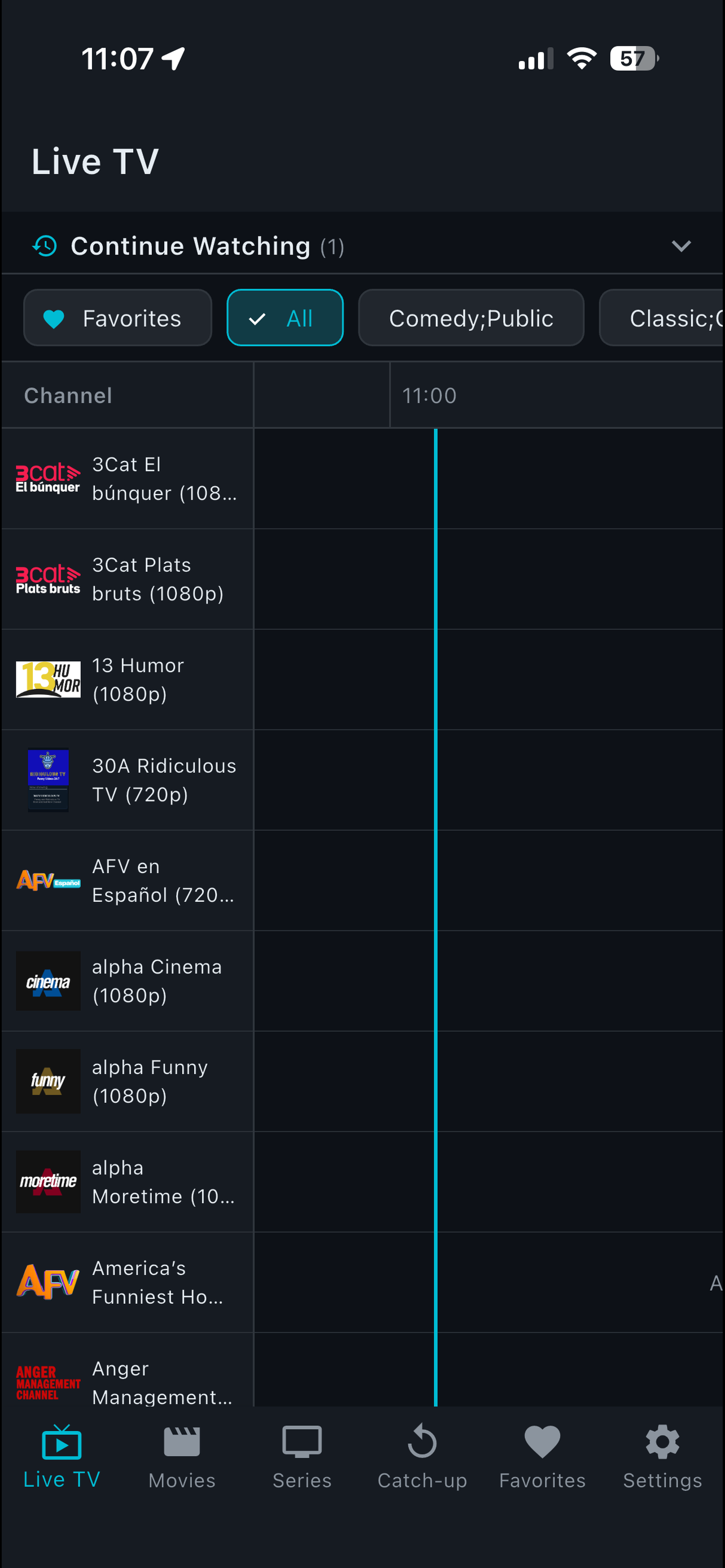
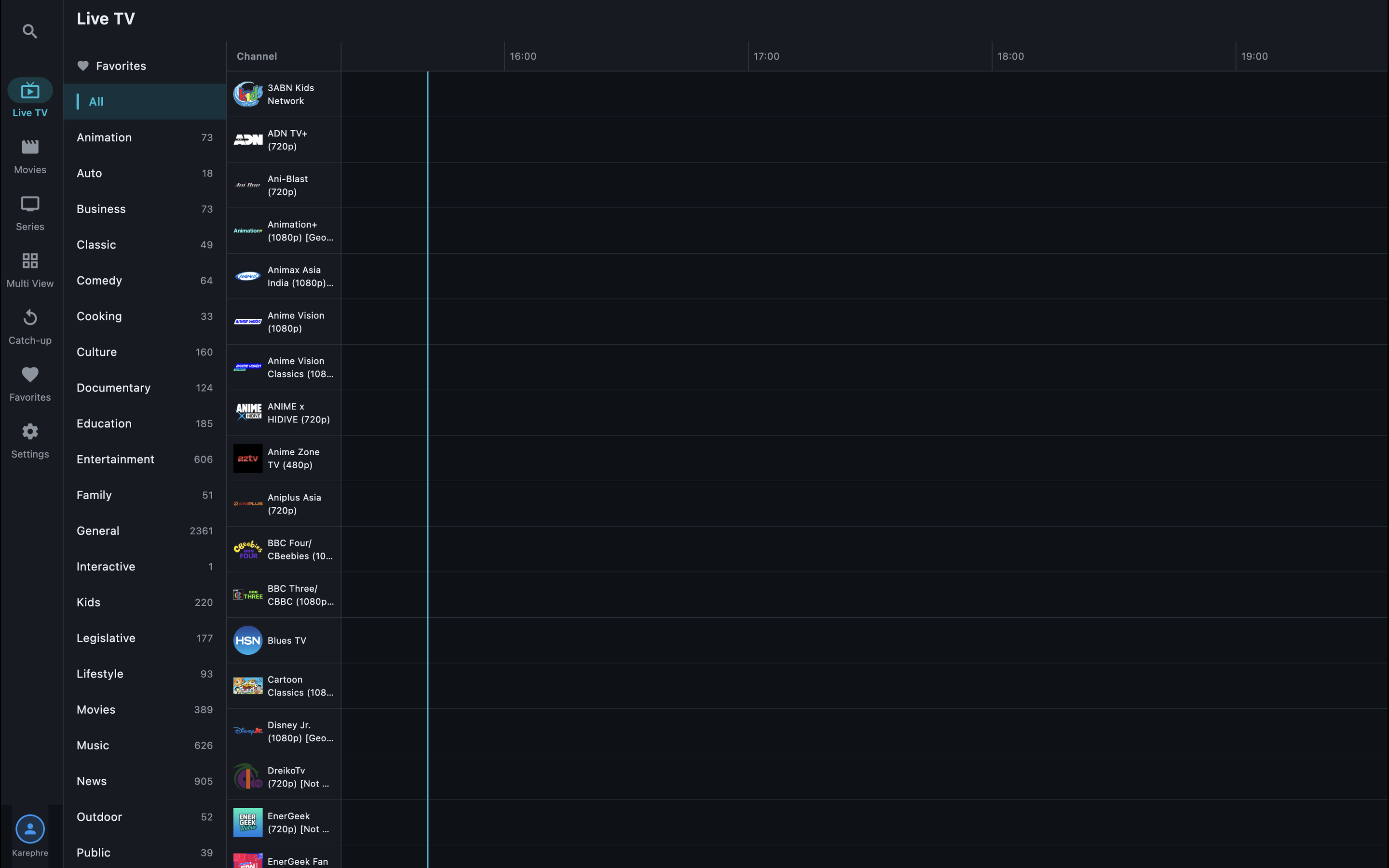
Live TV & EPG

Catch-up TV

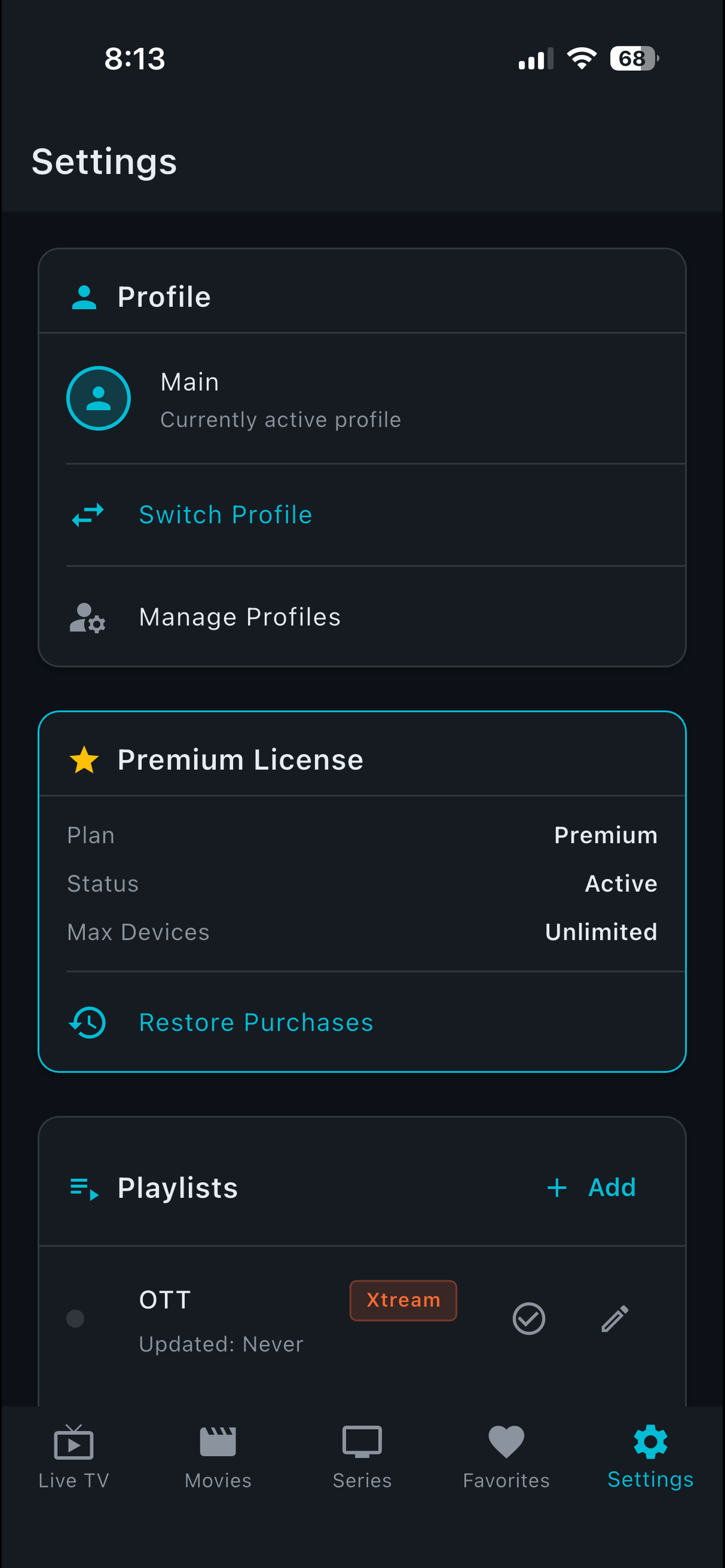
Profiles & Playlists

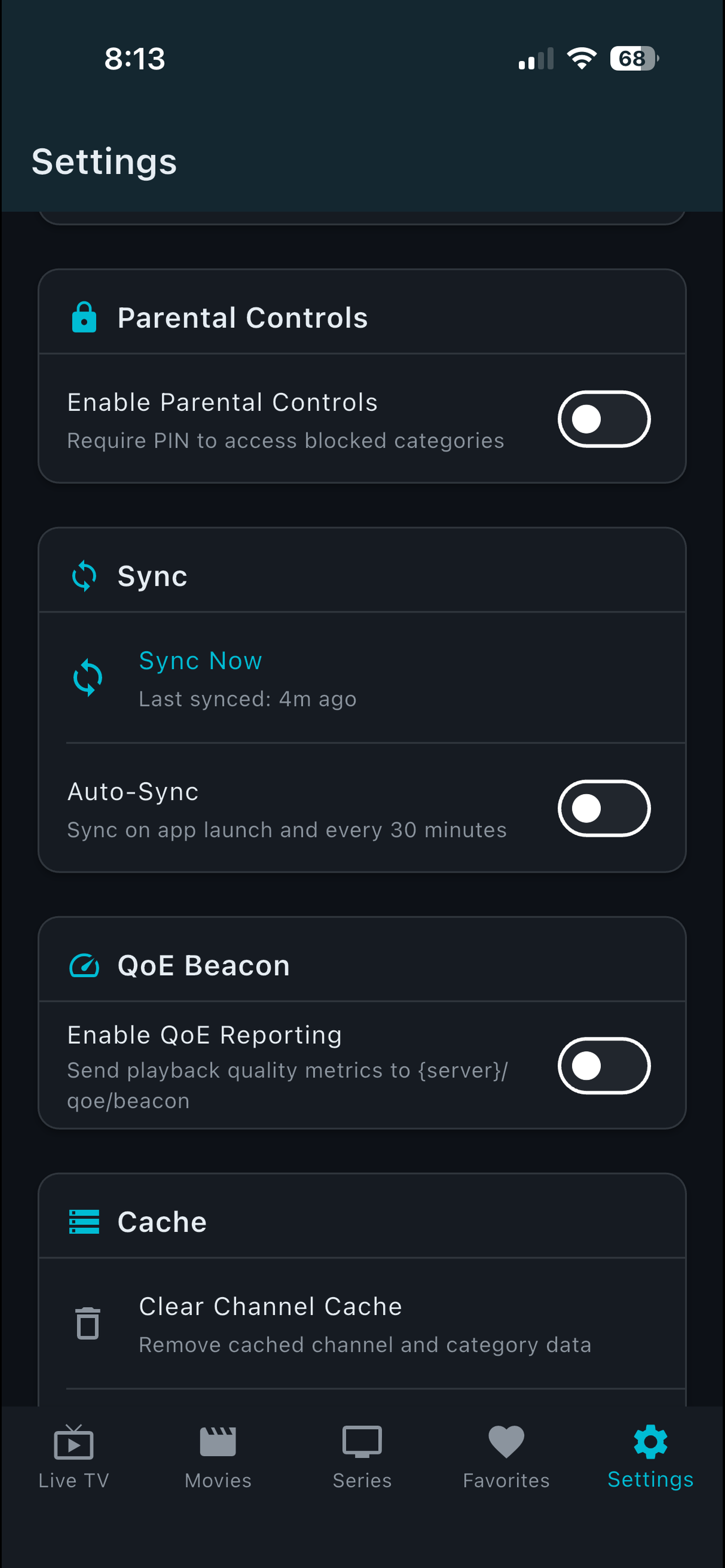
Parental & QoE
StreamSG connects to any Xtream Codes-compatible IPTV service or M3U playlist
Browse channels with a full electronic program guide. Filter by category, search by name, and see what's on now and next.
Full VOD library with movie details, series with season/episode navigation, and resume-where-you-left-off playback.
Missed a show? Go back up to 7 days on supported channels and watch previously aired content on your schedule.
Watch 2, 4, or even 9 channels simultaneously on one screen. Perfect for sports fans following multiple games.
Record live TV to watch later. Schedule recordings from the EPG or start recording with one tap while watching.
PIN-protect specific categories to keep content safe. Block entire channel groups with a single toggle.
Save your go-to channels and sync favorites across all your devices. Auto-sync keeps everything up to date.
Create separate profiles for each family member with their own favorites, watch history, and parental settings.
Connect to multiple IPTV providers simultaneously. Add Xtream Codes servers or M3U playlists — unlimited with Premium.
StreamSG includes a built-in QoE system that monitors your stream health in real-time — detecting buffering, resolution drops, and connection issues automatically.
When enabled, QoE reports are sent to your IPTV provider so they can proactively optimize your viewing experience. No other IPTV player offers this level of stream intelligence.
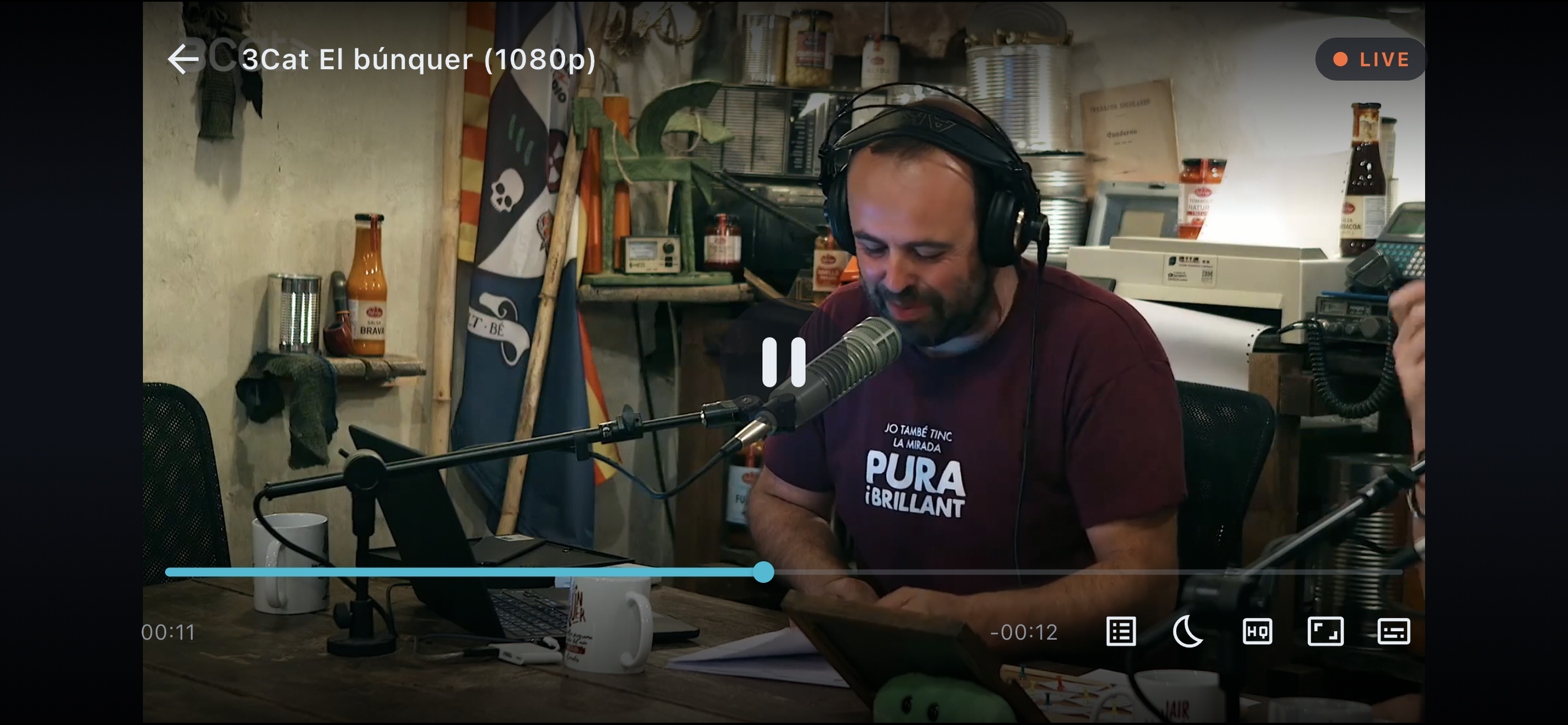
Full-screen player with overlay channel guide, remote-friendly navigation, and HD/4K support
No account required. Just download, add your server, and start watching.
Get StreamSG on Google Play today, or join the Apple TestFlight beta while App Store review completes. Fire TV is coming soon.
Tap "Add Server" and enter your IPTV credentials (server URL, username, password) or import an M3U playlist URL from your provider.
Browse Live TV, Movies, and Series instantly. Upgrade to Premium to unlock Catch-up, Multi-View, Recording, and Parental Controls.
No ads. No tracking. Just a great player.
We’re finishing the Fire TV build and submitting to Amazon shortly. Check back soon for install instructions.
📰
In the meantime, StreamSG is fully available on Google Play and in Apple TestFlight beta for iPhone, iPad, Apple TV, and Mac.
No. StreamSG is a media player only. It does not provide, host, or aggregate any media content. You need an existing subscription with a compatible IPTV/OTT service provider. You enter your own server credentials (URL, username, password) to access content through your provider.
StreamSG works with any Xtream Codes-compatible IPTV service. You can also import M3U playlist URLs. Contact your IPTV provider to confirm compatibility.
No account creation is required. Simply download the app, add your IPTV server credentials, and start watching. Premium features are unlocked via an in-app subscription through the App Store.
The free version includes Live TV, TV Guide/EPG, Movies, and Series with one server connection. A small watermark overlay is present. Premium removes the watermark and adds Catch-up TV, Multi-View, Recording, Parental Controls, multiple profiles, favorites sync, and unlimited server connections.
Yes. StreamSG is available on iPhone, iPad, Apple TV, Mac, and Amazon Fire TV. With Premium, your favorites and profiles sync across all devices signed into the same Apple ID.
The Quality of Experience (QoE) Beacon is an optional feature that monitors your stream health in real-time — detecting buffering, resolution drops, and connection issues. When enabled, it sends reports to your IPTV provider so they can optimize your experience. You can toggle it on/off at any time in Settings.
The Fire TV build is in progress and will be submitted to Amazon shortly. Keep an eye on this page for install instructions when it launches. In the meantime, StreamSG is live on Google Play and available via Apple TestFlight beta for iOS, iPadOS, tvOS, and macOS.
Yes, you can cancel anytime through your App Store subscription settings. You'll continue to have Premium access until the end of your current billing period.
Download StreamSG free and connect to your IPTV service in seconds.