
Connection details and Usage sit above the tabs
When your customer opens their storage service, the top of the page always shows their region, their endpoint in both path-style and virtual-host-style form, and the region name to paste into any S3-compatible tool — plus a Usage panel showing what they are storing against their plan, and when that figure was last refreshed:
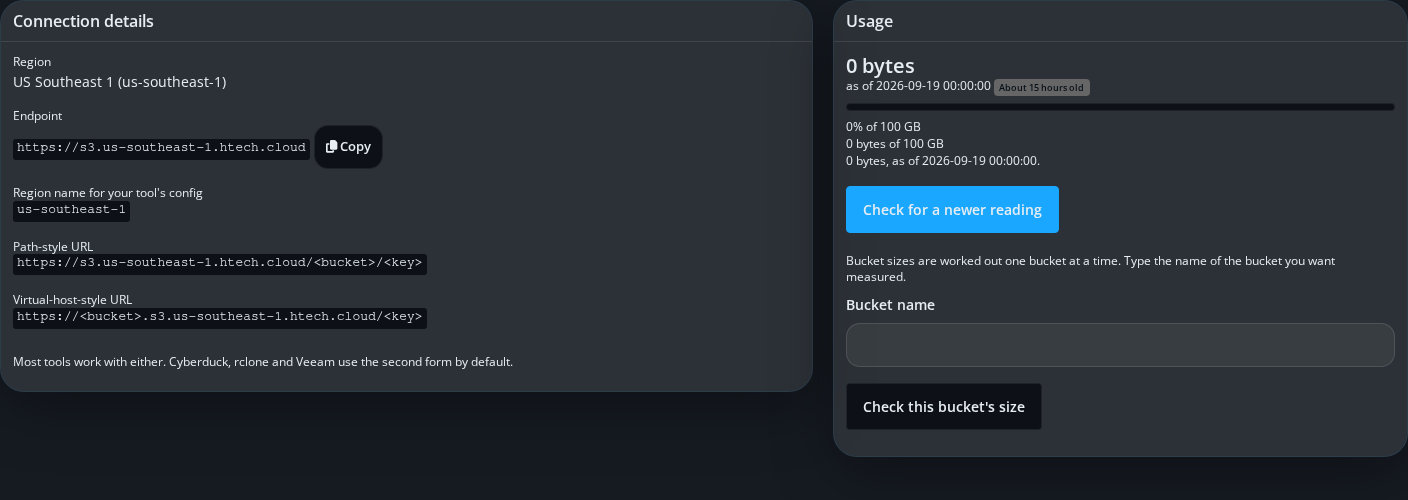
These two panels are deliberately placed above the tab strip and make no live call to render. Even if the storage endpoint itself is unreachable at that moment, your customer still sees a working page with their own connection details on it.
The five tabs below
Below Connection details and Usage sits a strip of five tabs: Buckets, Access keys, Browse files, Set up a tool and Diagnostics.
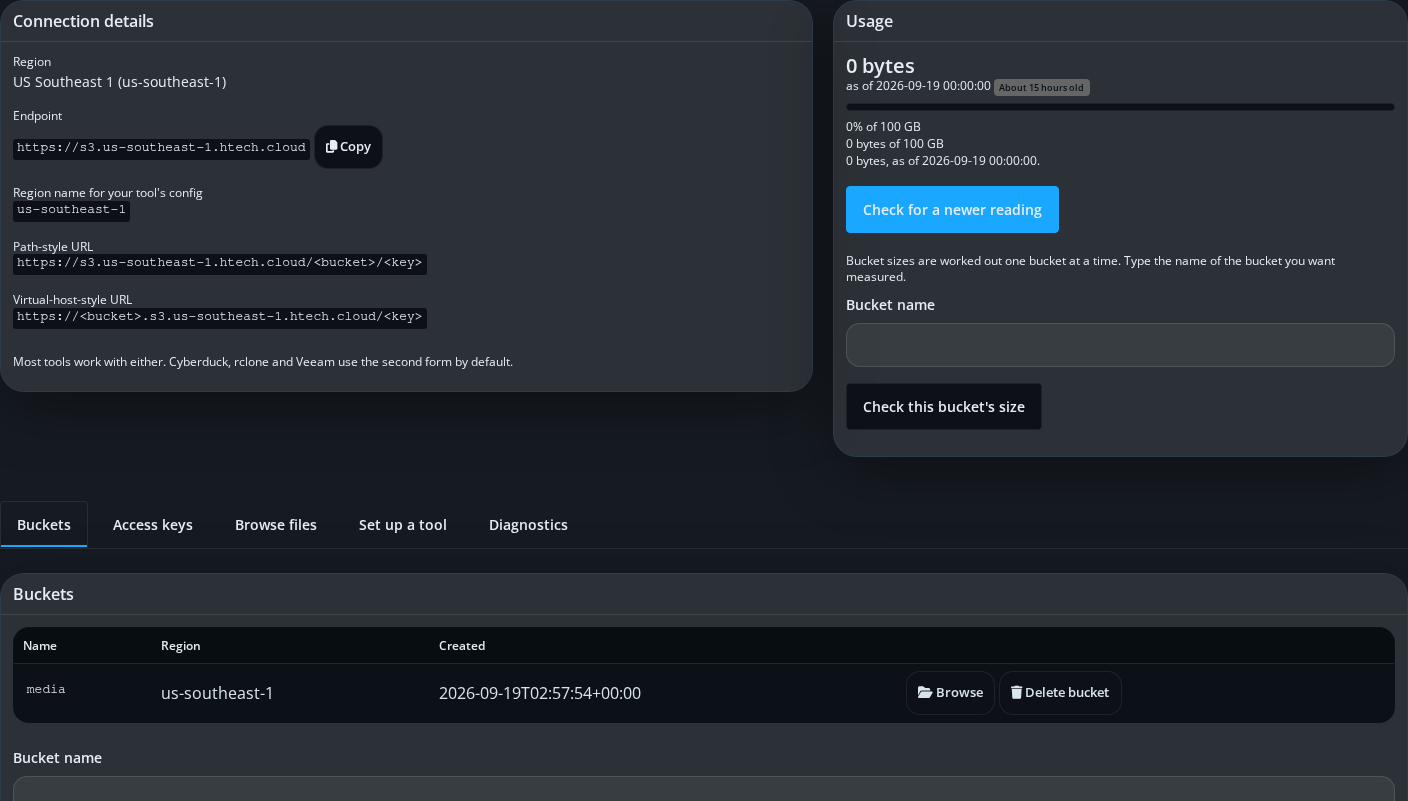
Buckets lists what your customer has created, with a create form offering a choice of protection level for the new bucket — standard, or a stricter write-once mode that requires reading and confirming three points before it can be applied, because it cannot be undone afterwards.
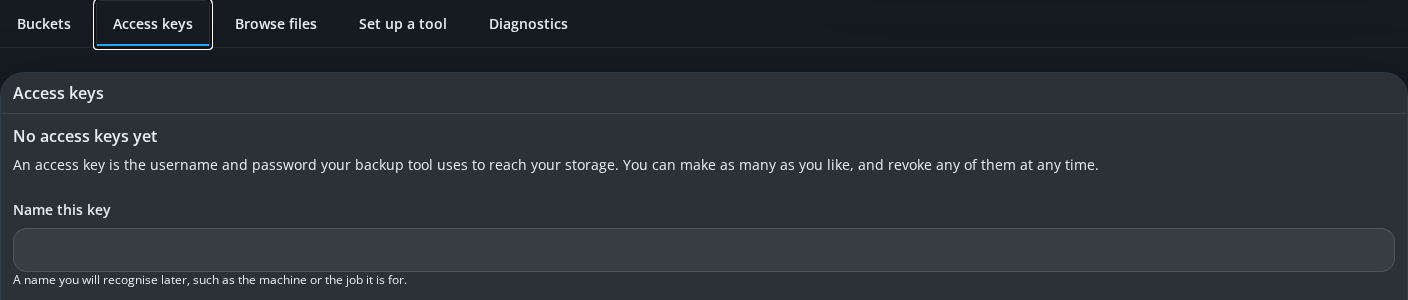
Access keys is where your customer mints, lists and revokes the credentials their own tools use to reach storage. A new key's secret is shown once, at the moment it is created, and is never shown again — this module cannot read it back afterwards, by design.
Browse files is a paginating object browser for whichever bucket your customer selects, with upload, download and delete.
Set up a tool hands your customer a ready-made configuration block for their own software; it has its own article, since it is worth reading on its own.

Diagnostics runs four checks, in order: that the endpoint answers, that the answer genuinely came from the storage service rather than something else, that the customer's key is accepted, and that their buckets can be listed. It reads only — it creates nothing, changes nothing and deletes nothing, so a customer (or your support team) can run it as often as they like.